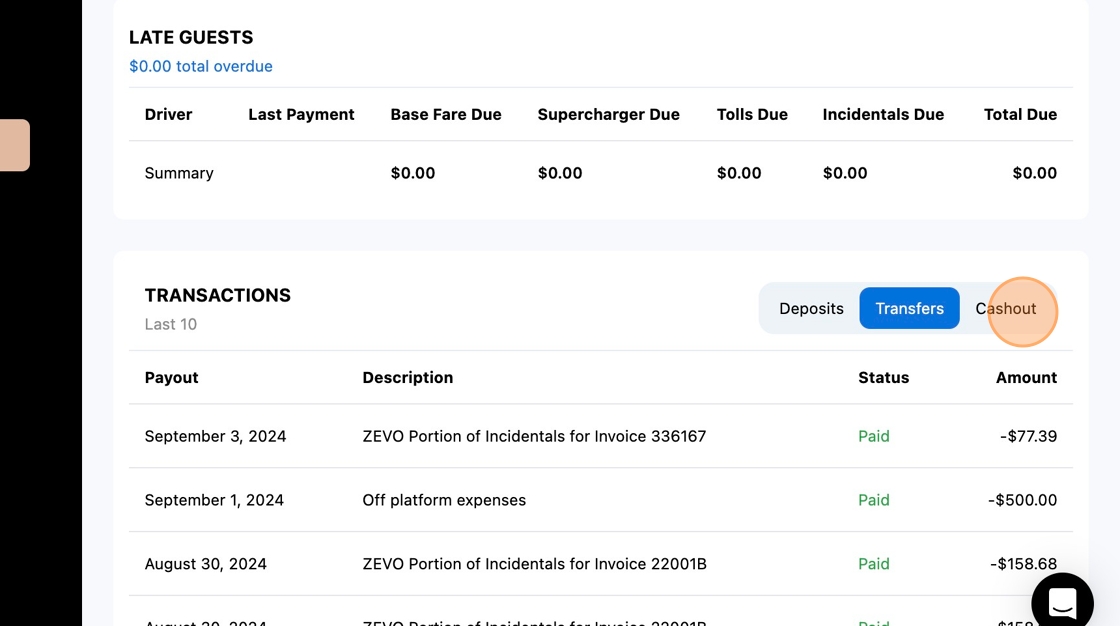
This page provides a comprehensive guide on managing finances and cashing out in the ZEVO platform. It outlines step-by-step instructions for accessing and navigating the wallet, viewing balances, understanding deposits and transfers, and performing cashouts, all while explaining key financial concepts relevant to hosts.
1. Navigate to https://host.zevo.com/wallet
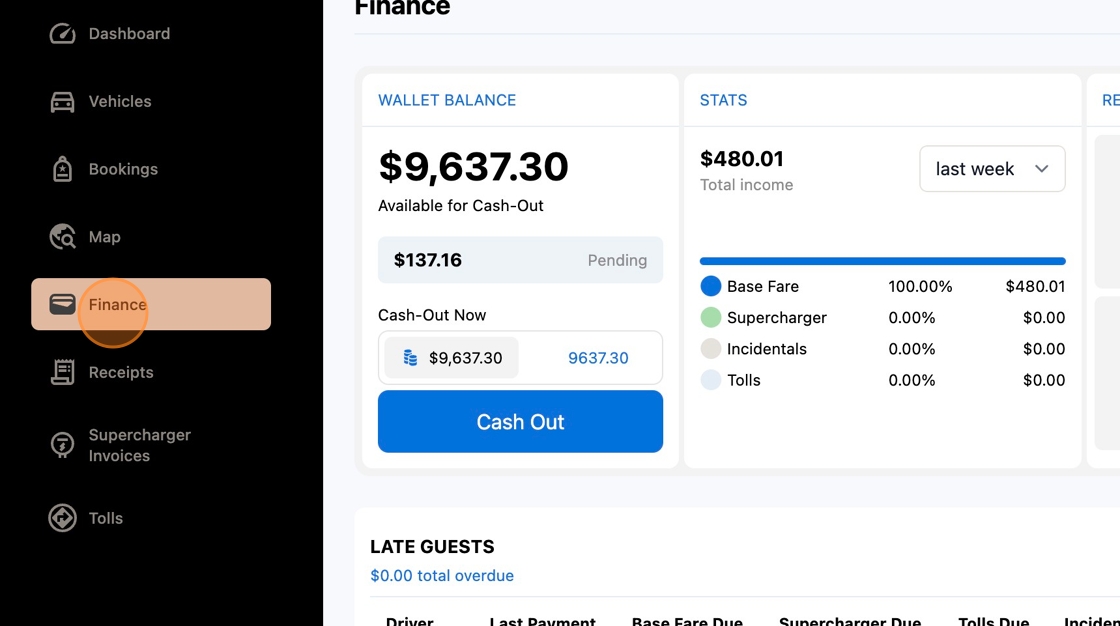
2. Click "Finance"
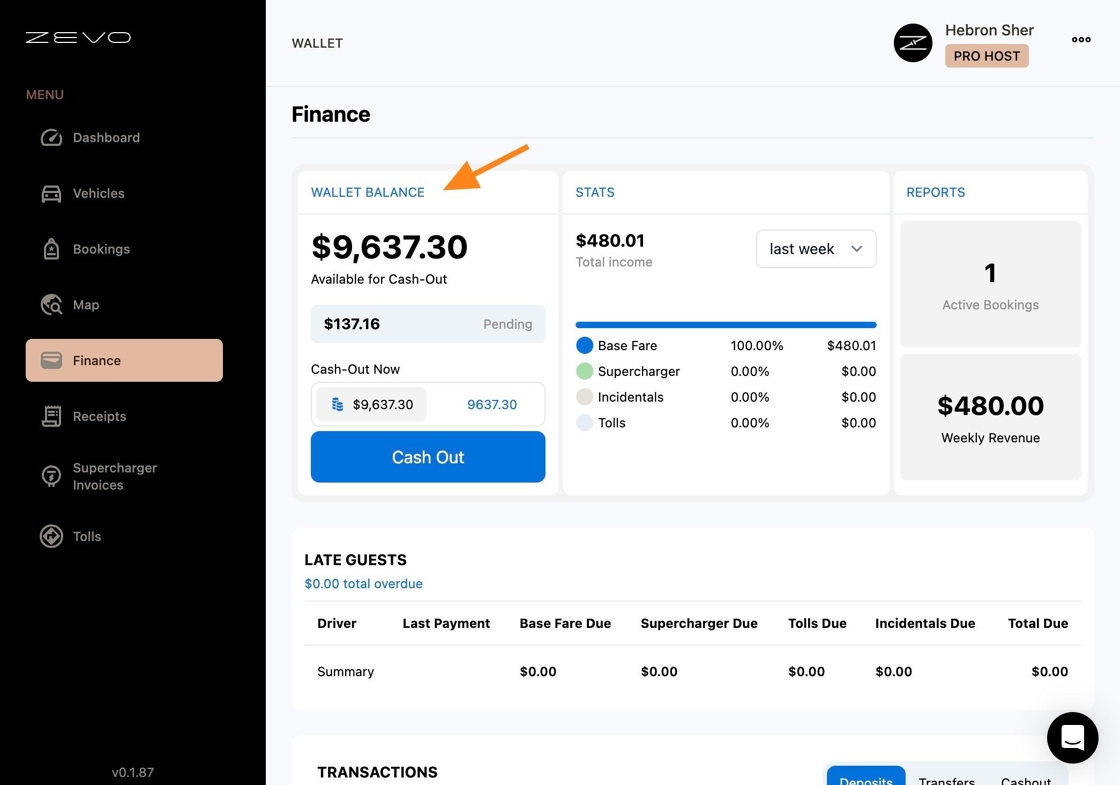
3. Here you will be able to view your "Wallet Balance" to see how much money is available to cash out.
4. The "Stats" and "Reports" sections will give you a detailed overview of your bookings and income breakdown.
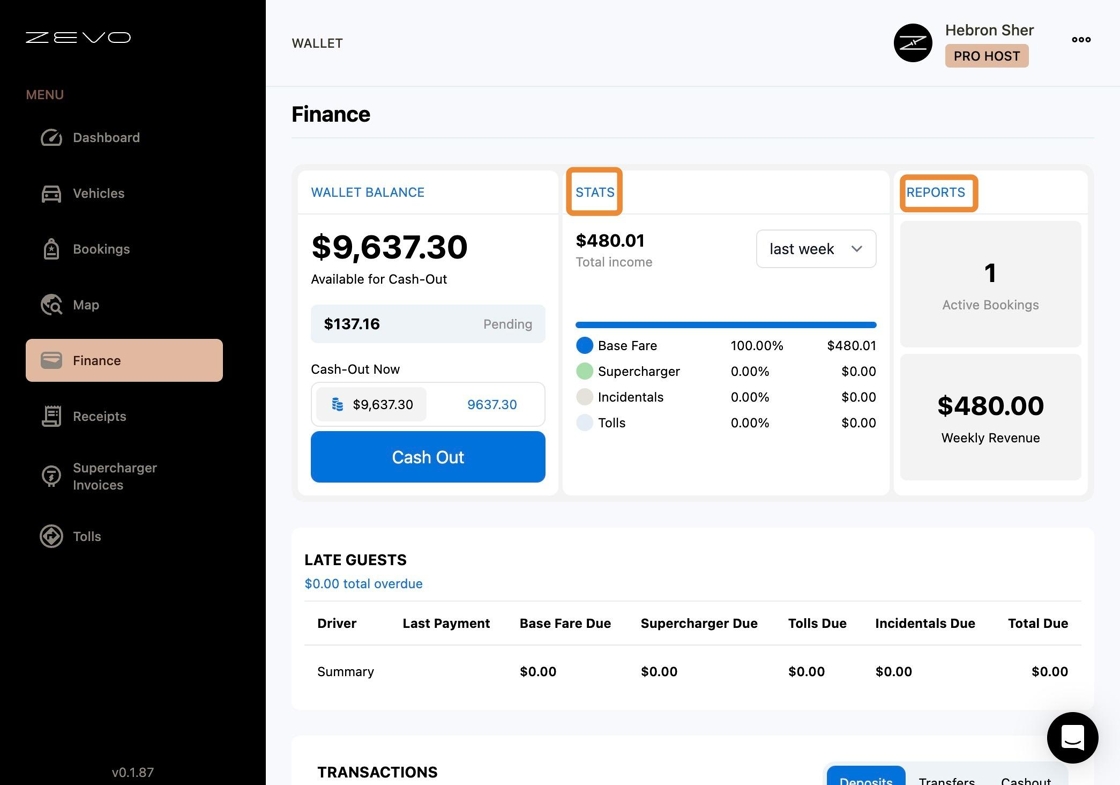
5. Any late fees will be displayed under the "Late Guests" section
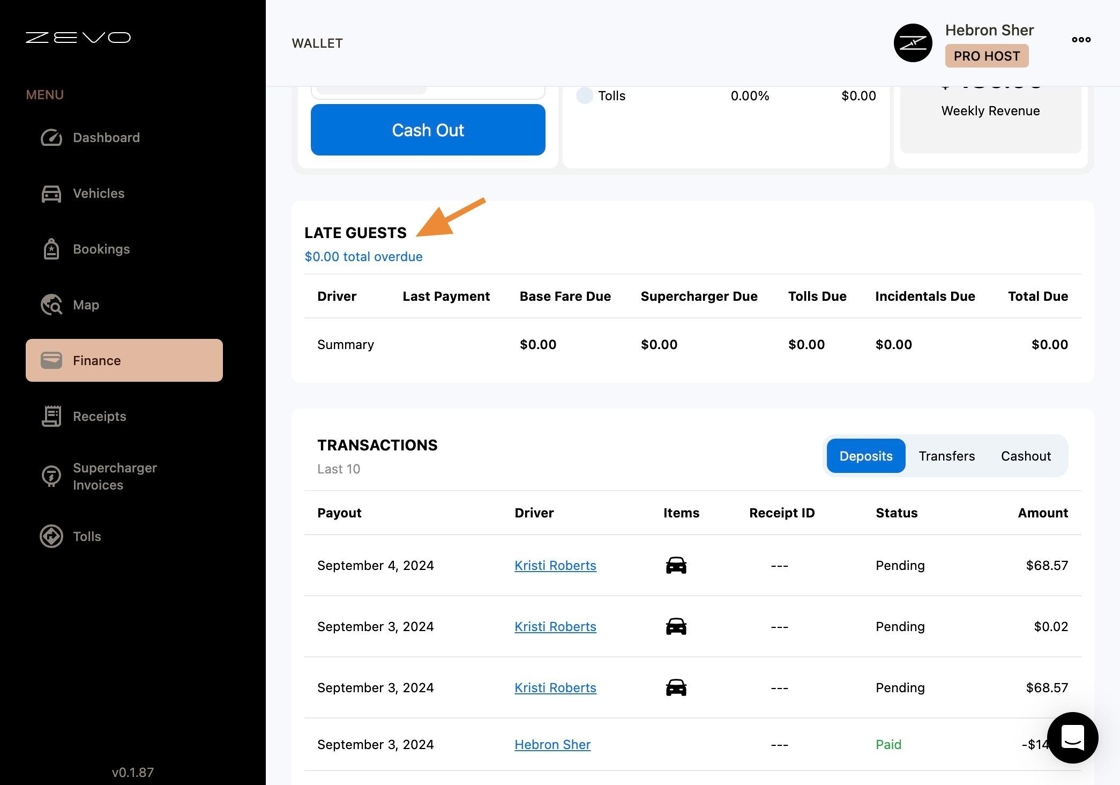
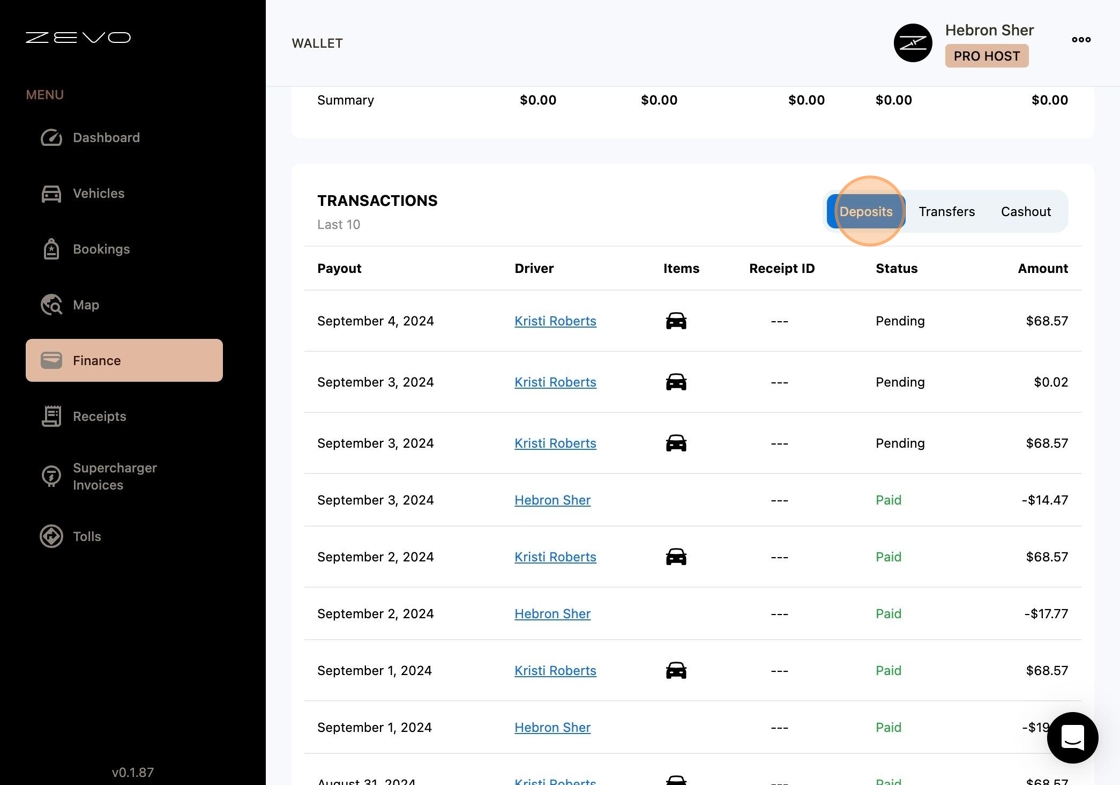
6. Deposits
Deposits represent the funds entering your ZEVO Wallet Balance. They are categorized into two statuses:
- Paid: Funds that are available for instant cashout.
- Pending: Funds that will be available in your Wallet within 2 business days.
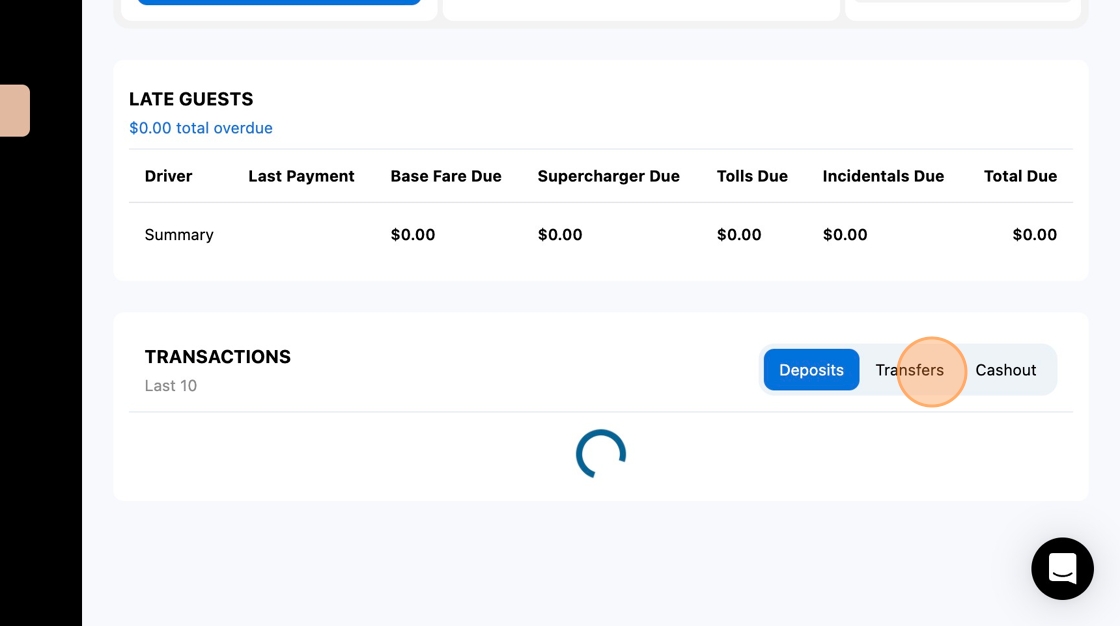
7. Click "Transfers"
The Transfers section manages the money that moves in and out of your wallet to facilitate the running of your business. This primarily includes handling incidental expenses that drivers might encounter, such as tires and windshields.
8. Click "Cashout"
The Cashouts section provides a running tally of the money you have withdrawn from your wallet. This helps you keep track of the funds you've cashed out over time.