Setting Up Your ZEVO Account
How To Sign Up As A Host
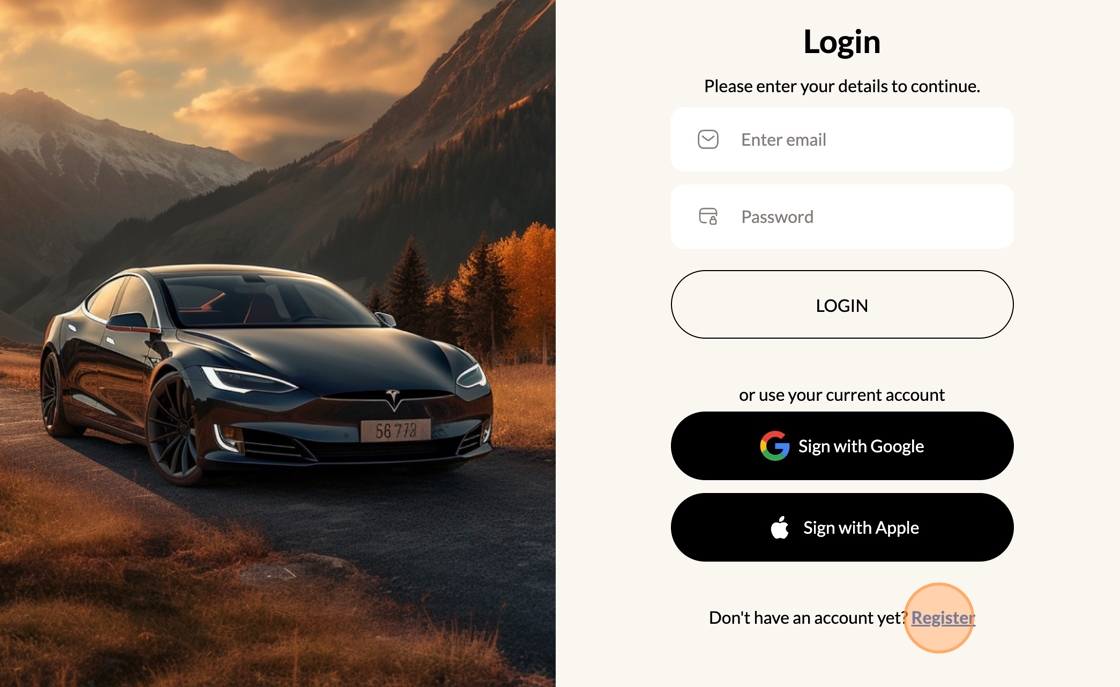
2. Click "Register" to Sign Up or Sign with your Apple/Google Accounts
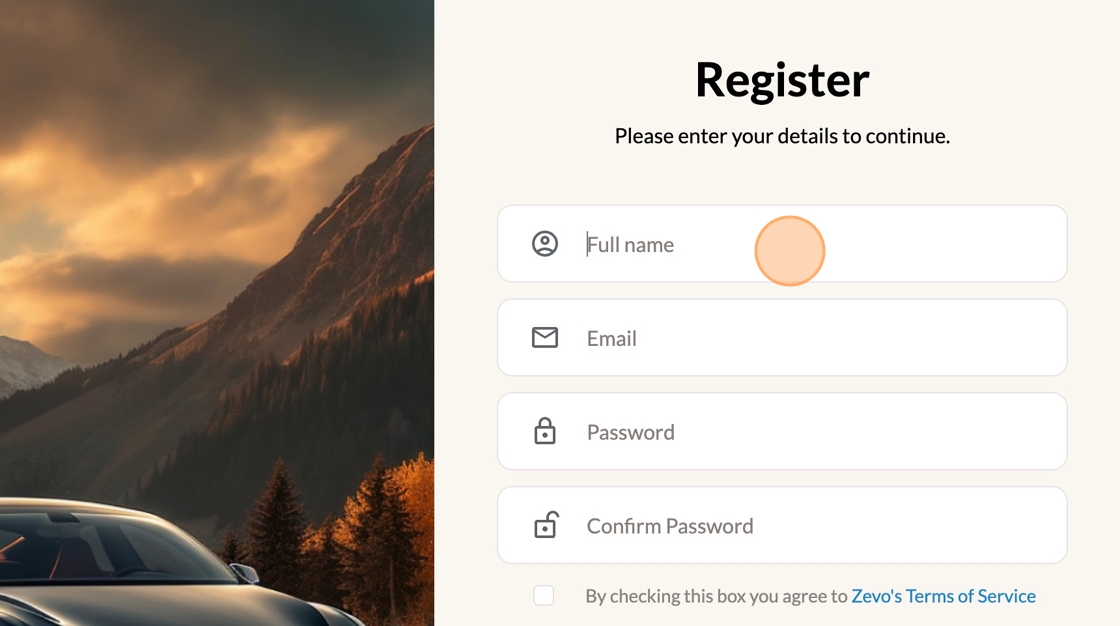
3. Fill in your details to get started
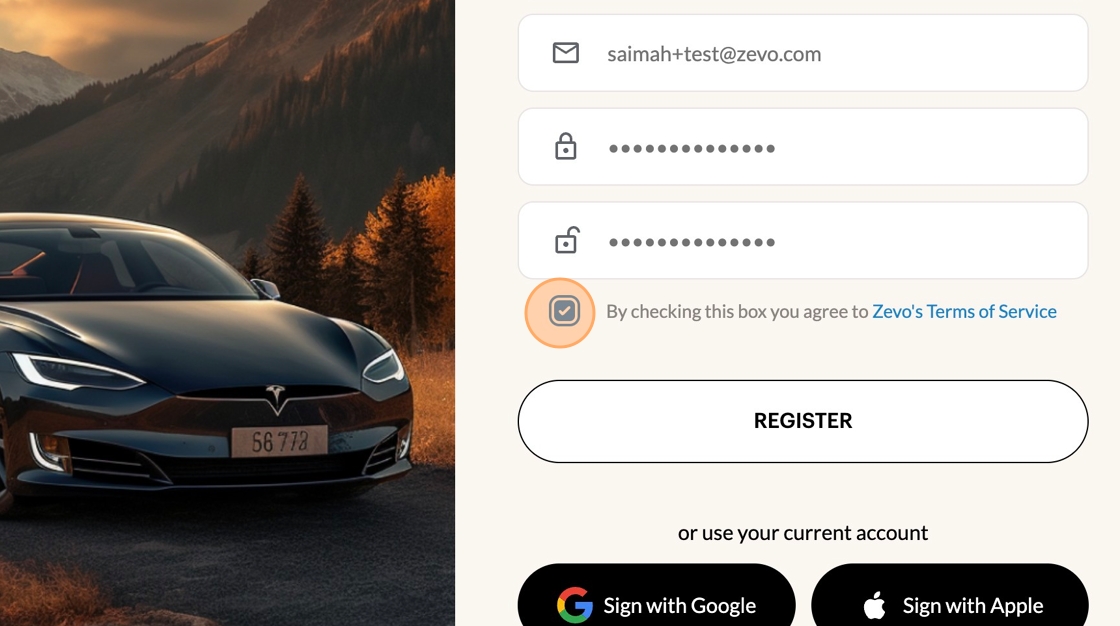
4. Click the "By checking this box you agree to Zevo's Terms of Service" field.
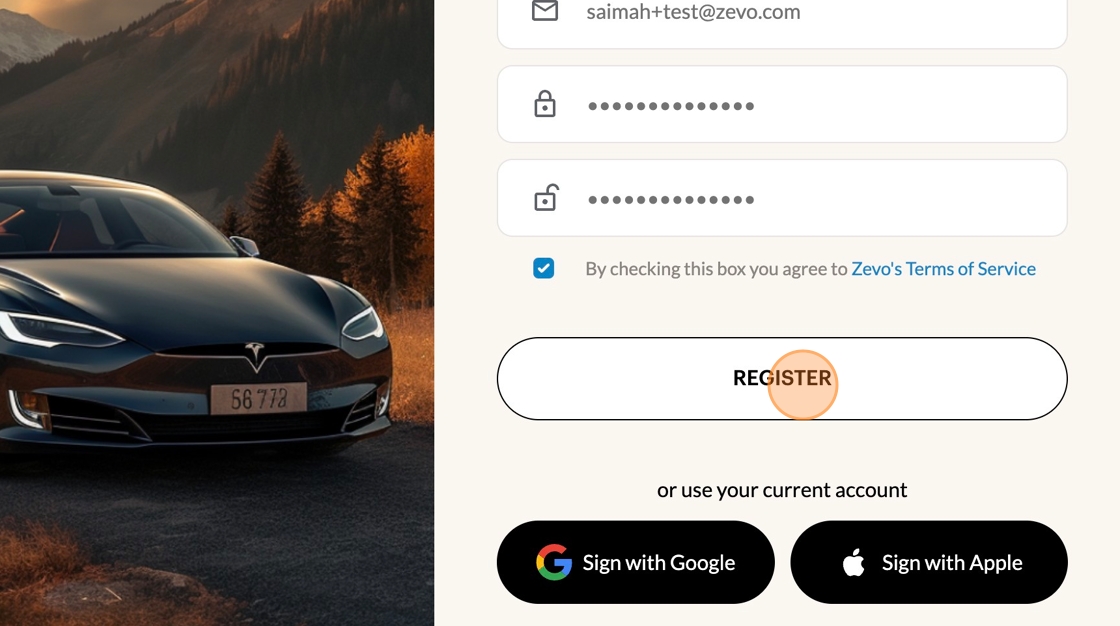
5. Click "REGISTER"
6. Next - Let's Get Your Tesla Connected!
Click "LINK YOUR TESLA ACCOUNT"
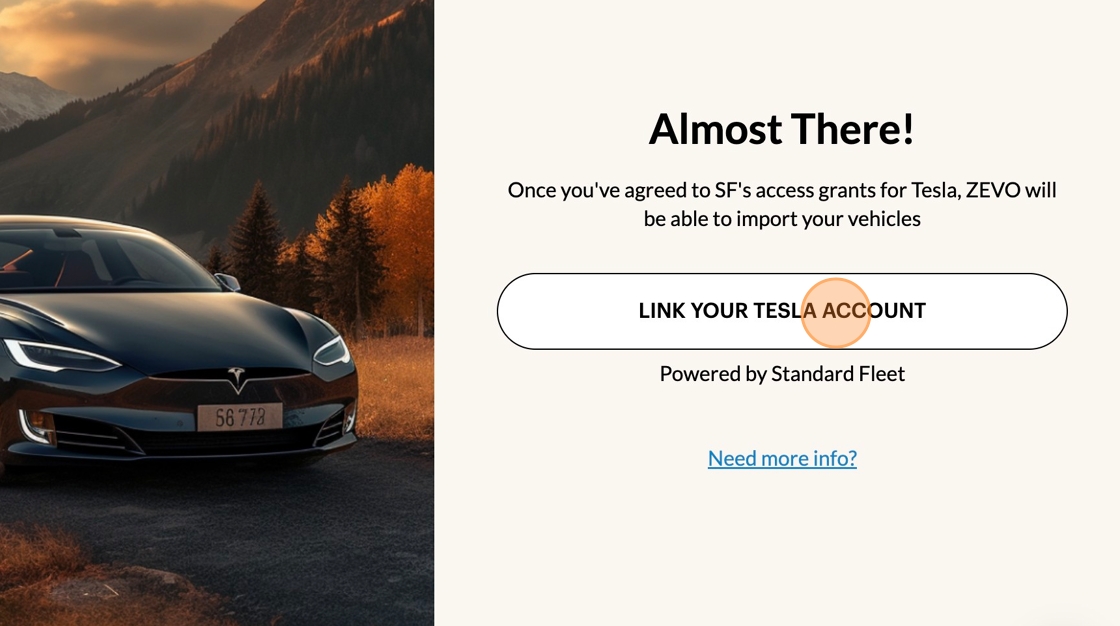
7. Click "SIGN IN WITH TESLA"
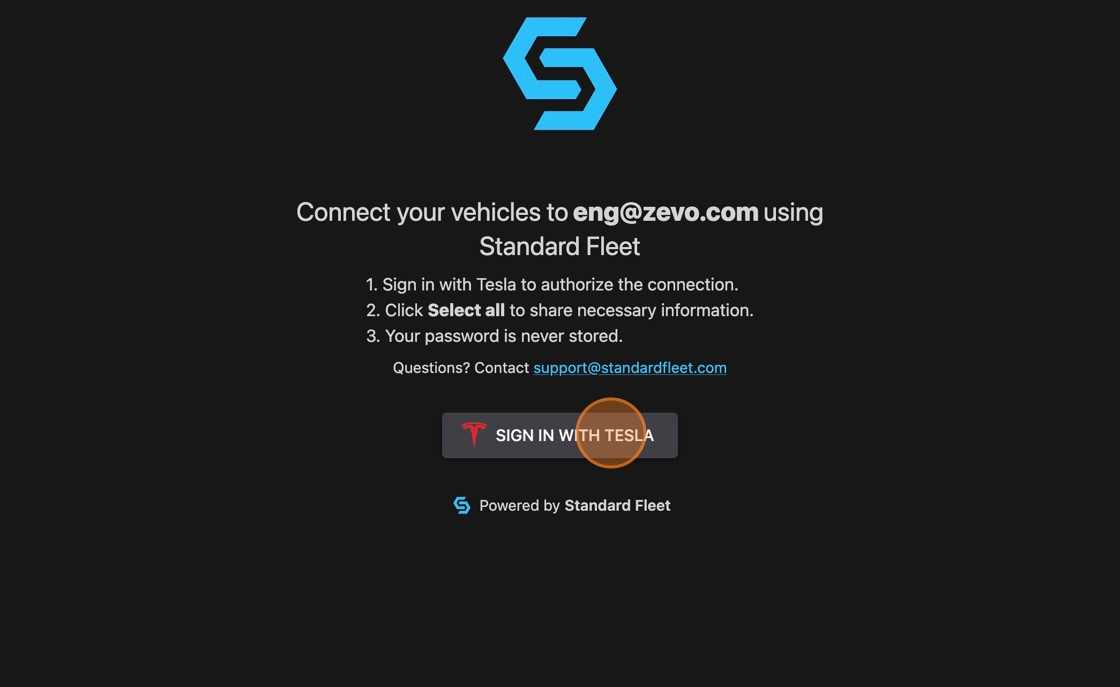
8. Here you'll enter your Tesla log-in information
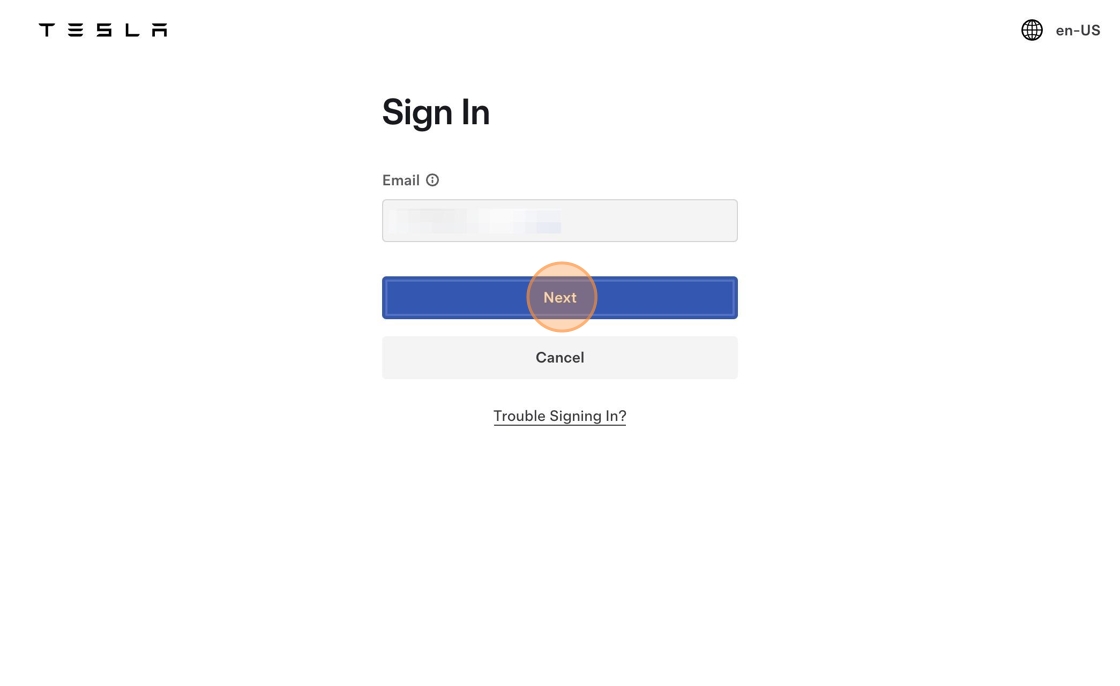
9. Click "Sign In"
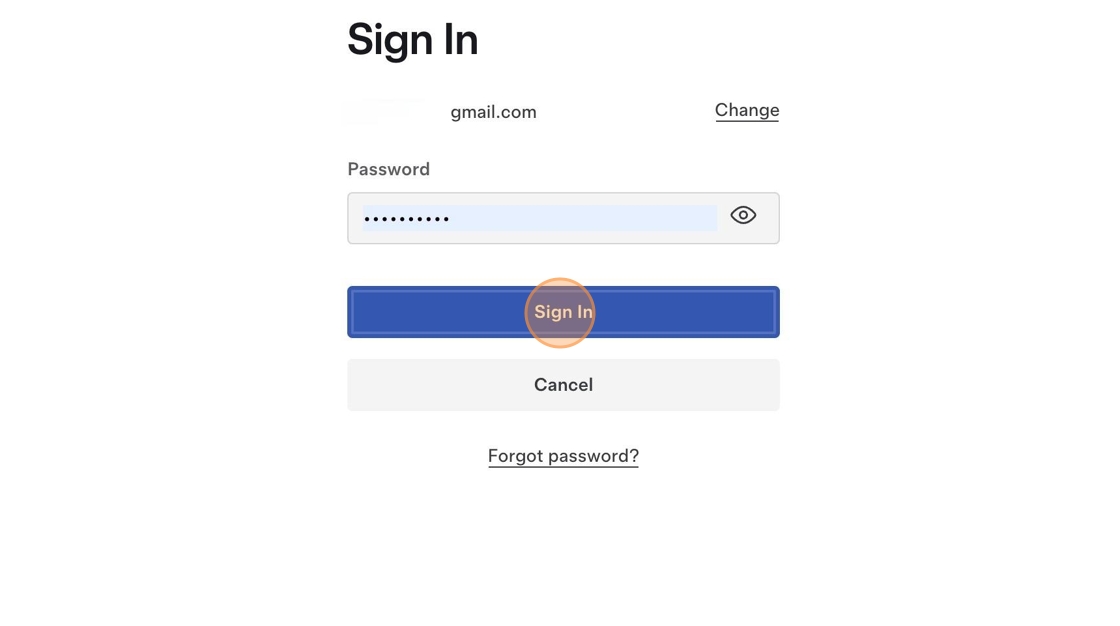
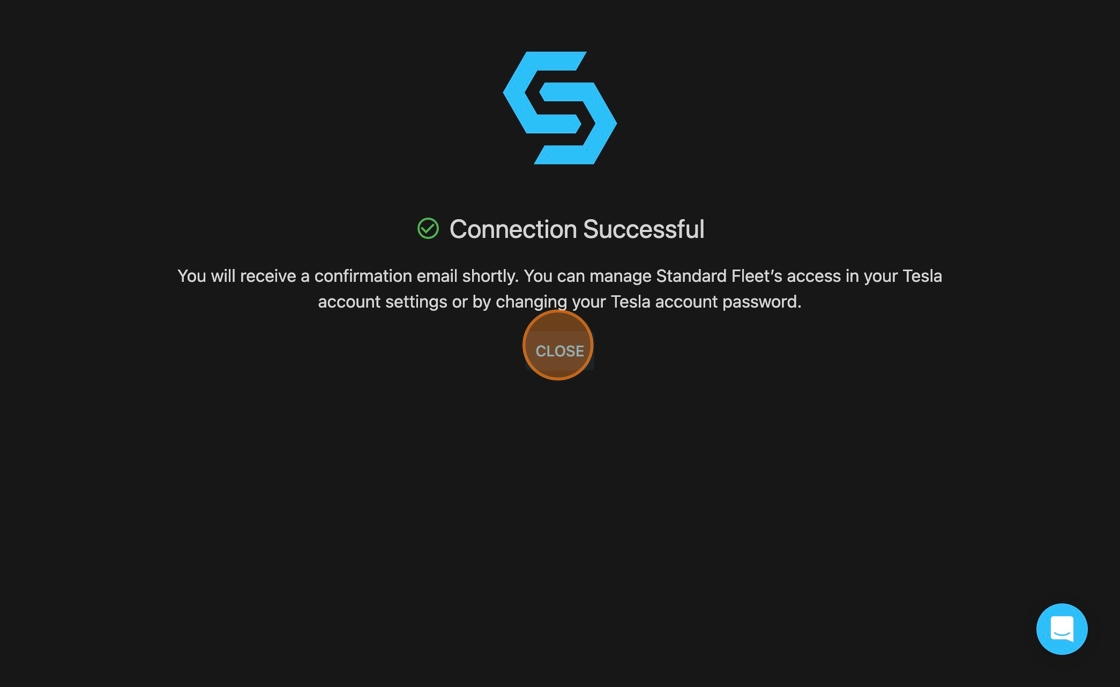
10. You should see a "Connection Successful" screen once your Tesla account is connected!
11. Click "Vehicles" to confirm your cars been synced
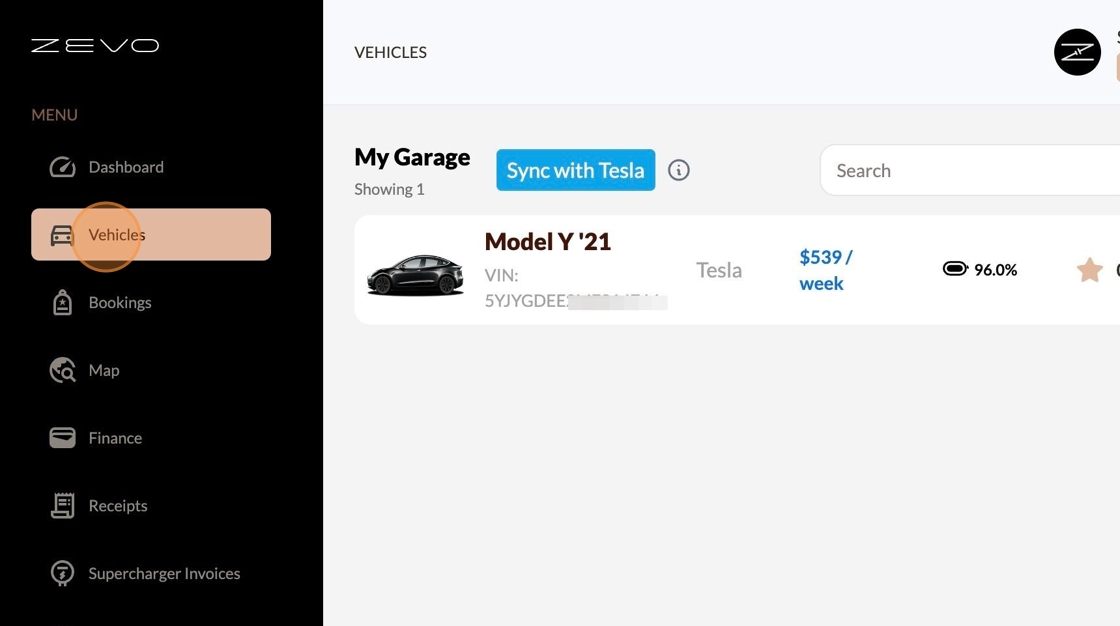
💡 Tip: If you don't see your car show up under "Vehicles" select the blue "Sync with Tesla" button to refresh the connection!