Regular vehicle inspections between trips are crucial for maintaining fleet health and safety. By following this inspection process consistently, you can:
- Identify potential maintenance issues before they become major problems
- Document vehicle condition to track wear and tear over time
- Ensure vehicles are safe and ready for the next customer
- Reduce unexpected downtime and repair costs
- Maintain accurate records for insurance and compliance purposes
Make it a habit to complete thorough inspections after each trip ends. This proactive approach helps prevent mechanical issues from escalating and ensures a better experience for all users.
1. Navigate to https://host.zevo.com
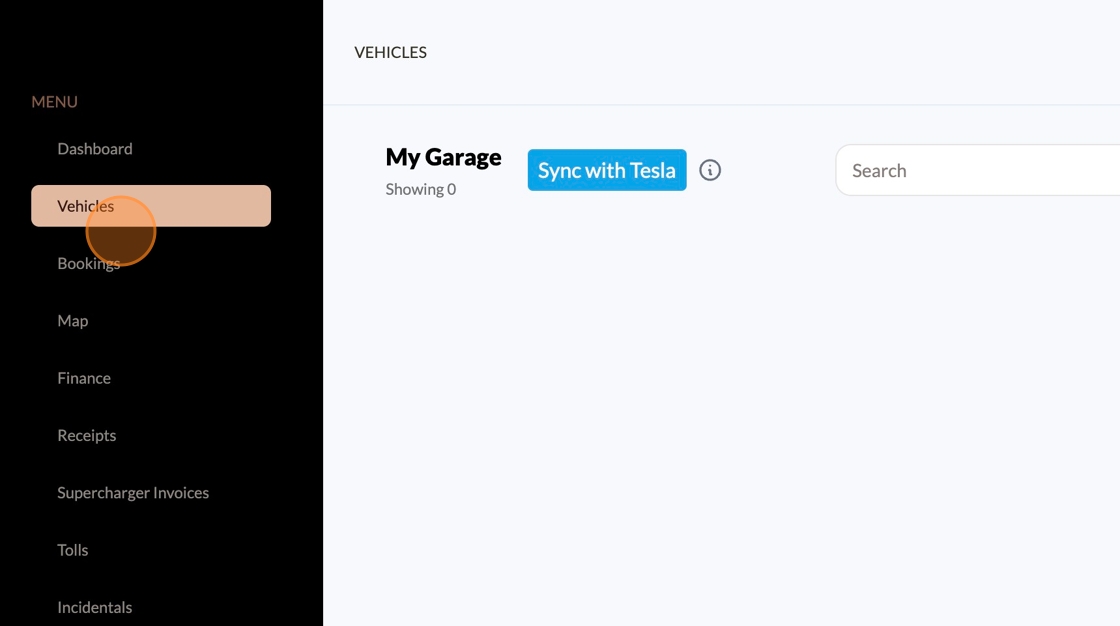
2. Click "Vehicles"
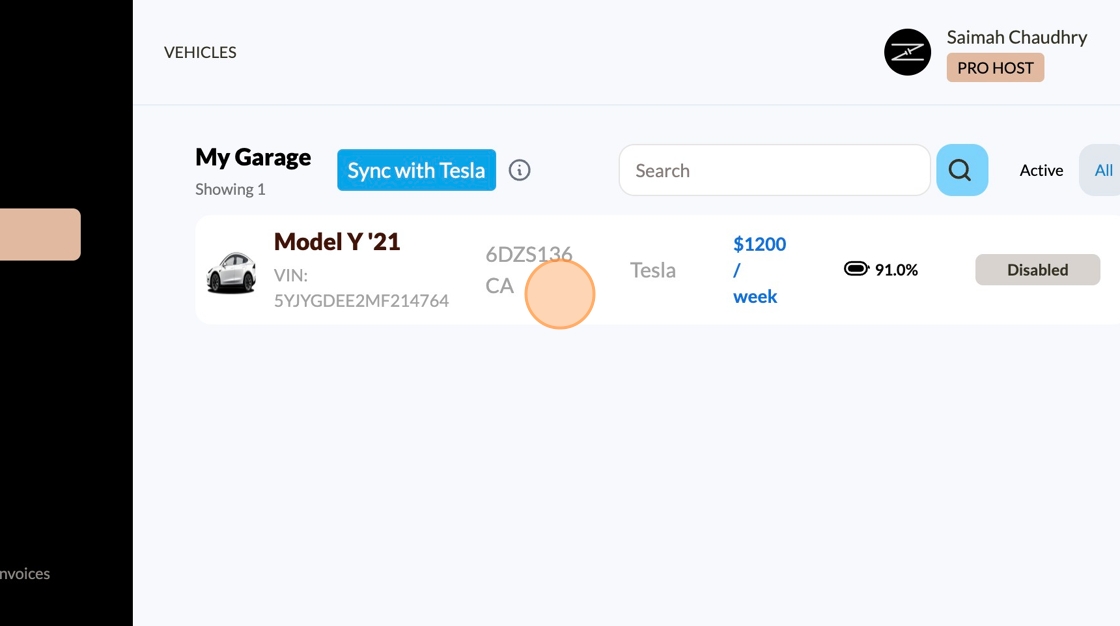
3. Select the vehicle you wish to conduct an inspection for
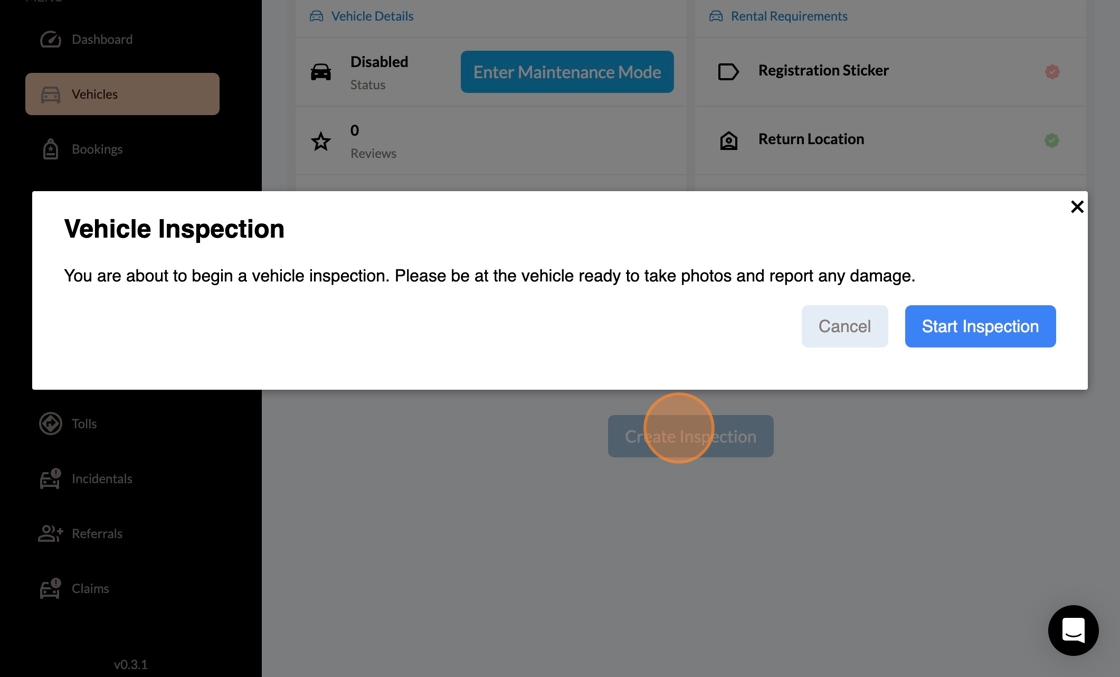
4. Select “Create Inspection” to begin
5. Add any notes that are important for the vehicles condition
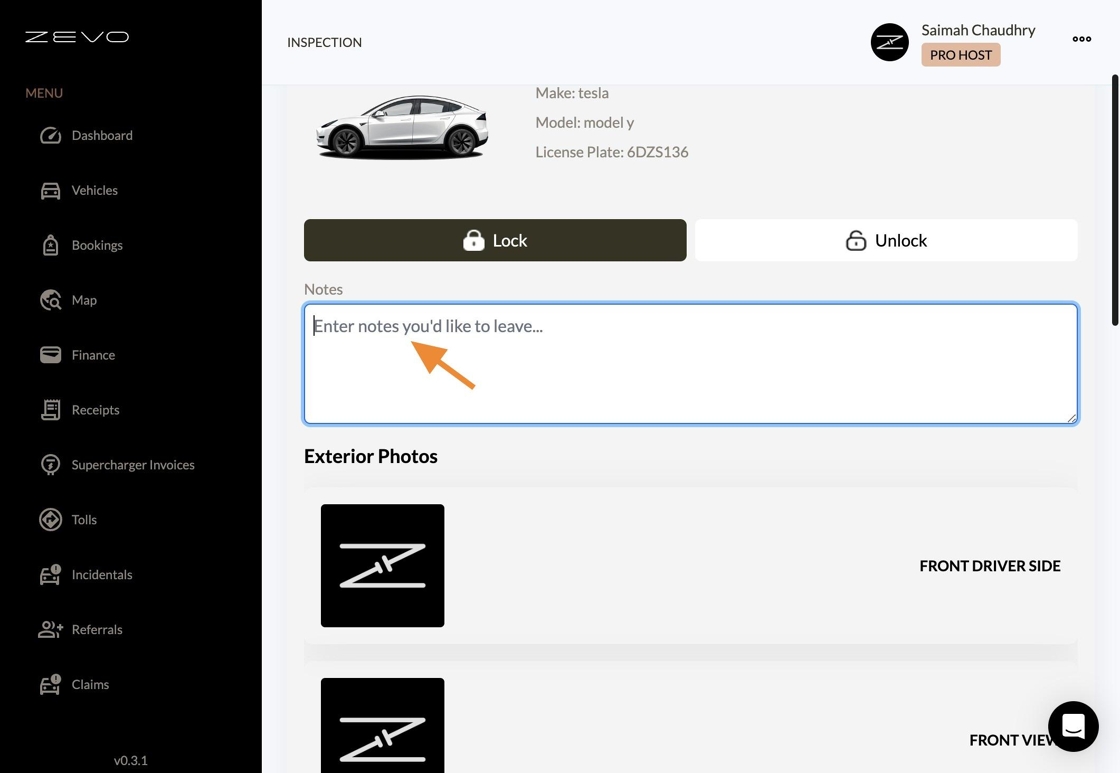
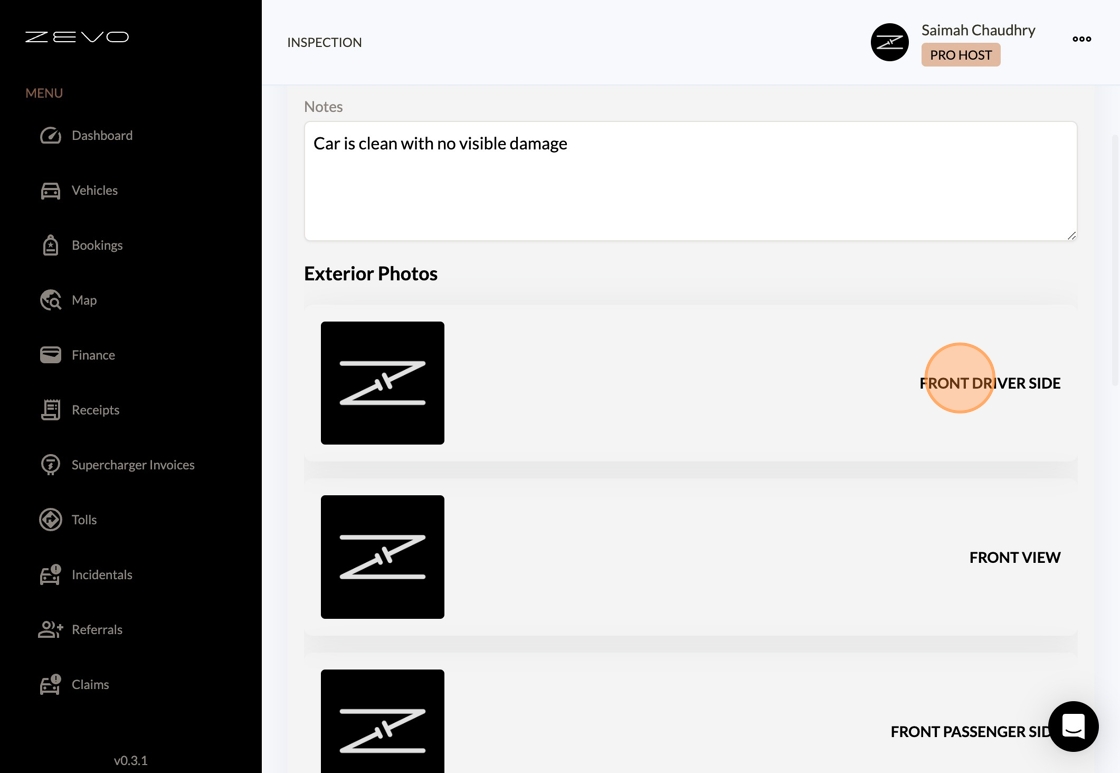
6. Begin uploading "Exterior Photos"
7. Add "Interior Photos"
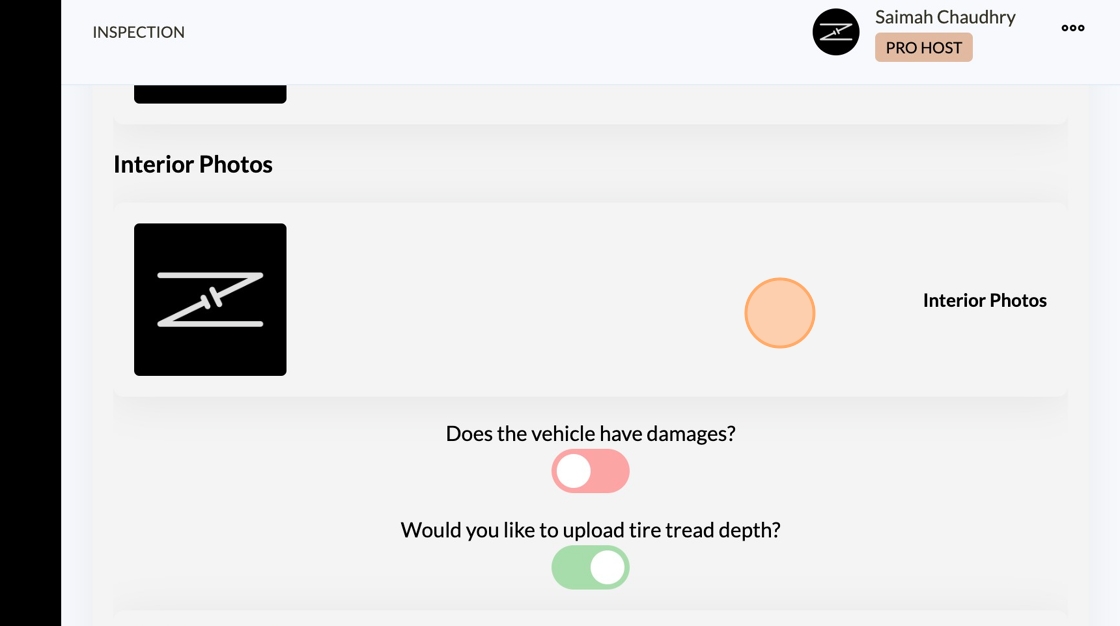
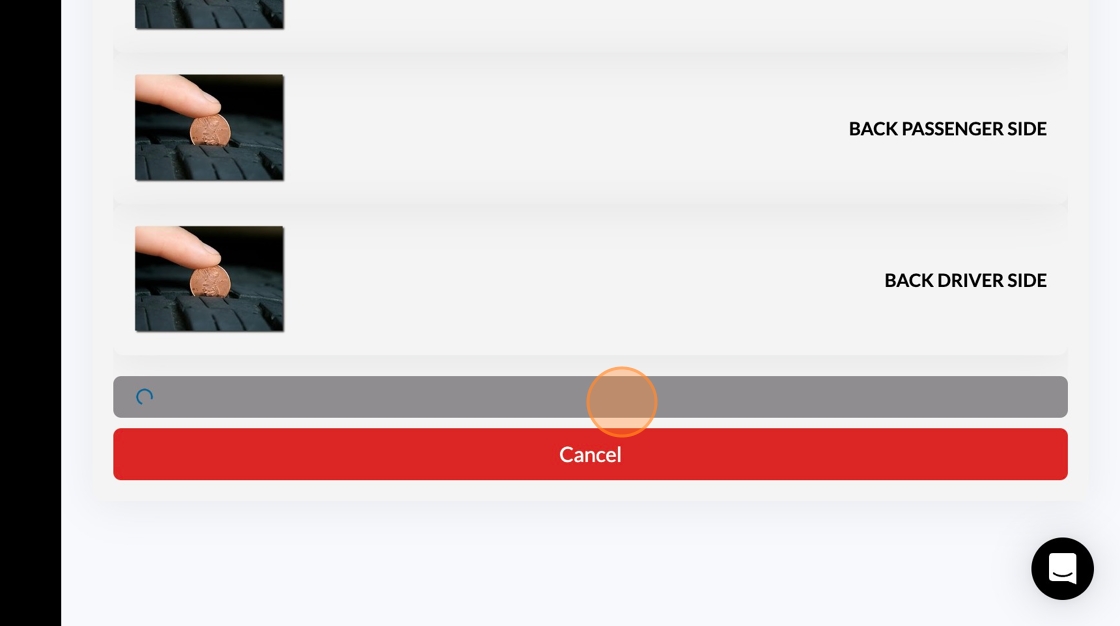
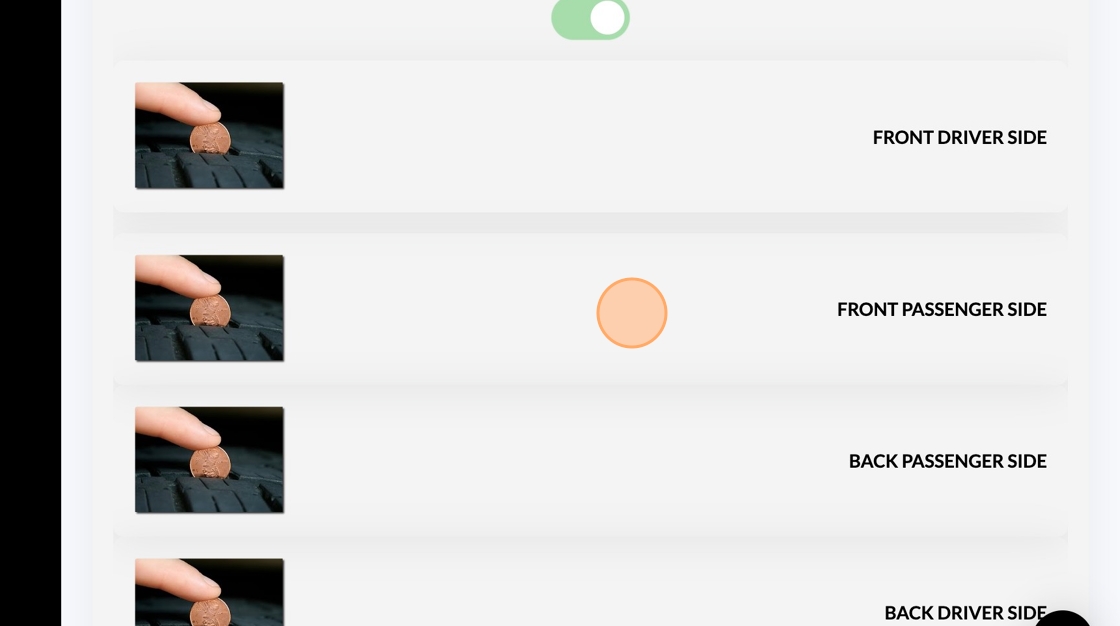
8. Toggle “ON” the option to upload tire tread depth photo
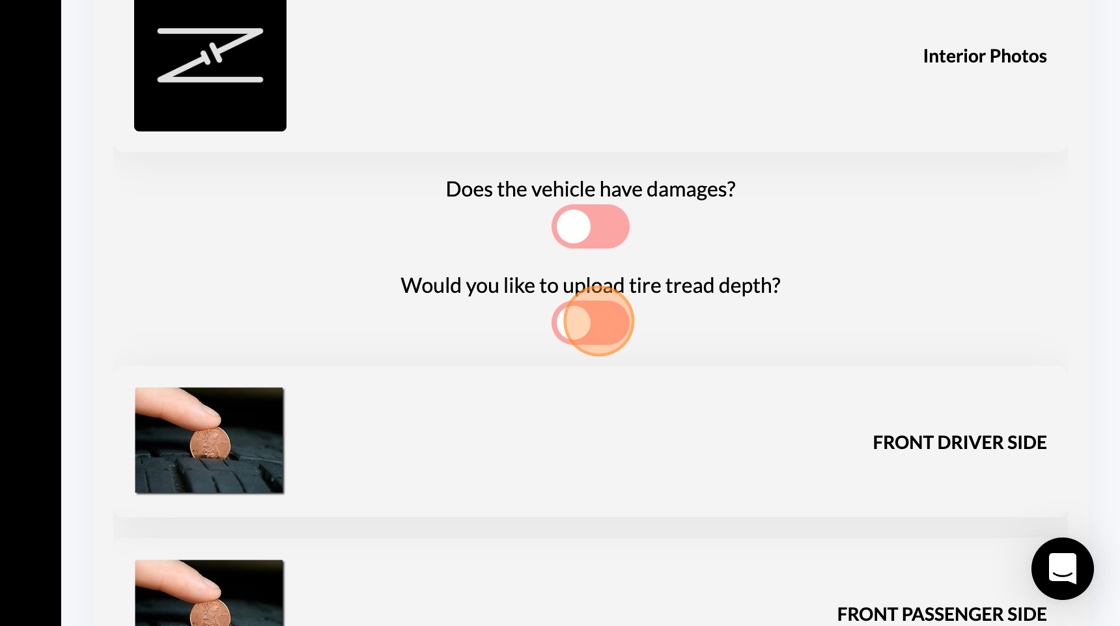
9. Click each side of the vehicle to upload
10. Click "Submit Inspection"