Frequently asked questions
Don’t see the answer you’re looking for? Get in touch.
Is Wingman visible during screen-share?
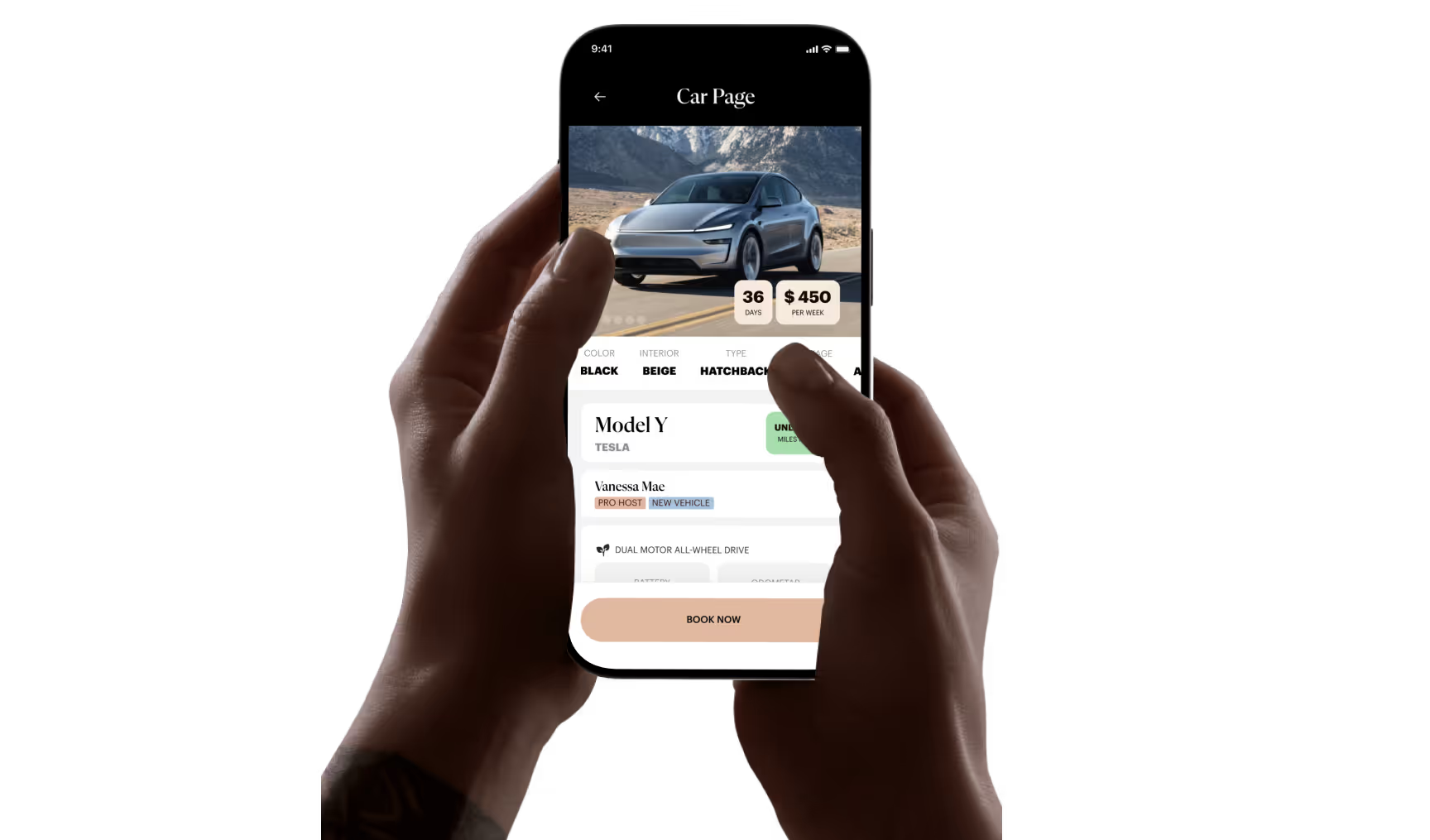
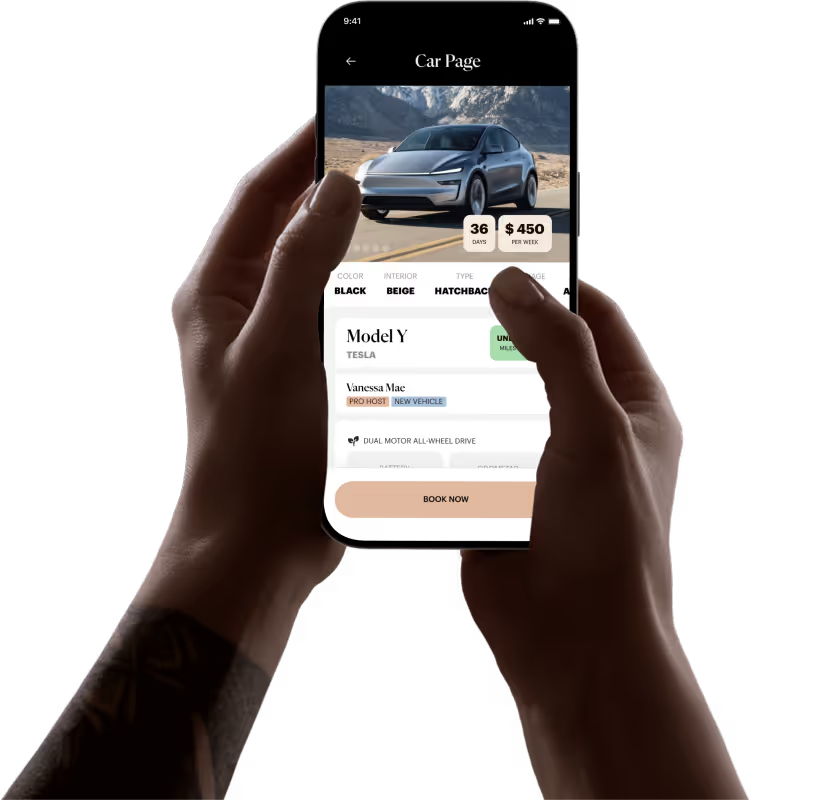
ZEVO is a peer-to-peer car sharing network where members can rent electric vehicles by the day or week, no ownership required. Vehicle owners can also host their EVs on the platform and earn passive income. We handle the logistics, so sharing is smooth for both renters and hosts
How long does the registration process take?
Wingman plugs into Gmail, Google Calendar, and Slack, watches the river of messages flow by, and quietly bubbles up the handful that actually move the needle. Then, with one tap, it drafts the reply, schedules the meeting, or files the task for you. It's the digital chief-of-staff that kills the noise so you can race through the signal.
Who is eligible to rent on Zevo?
Wingman plugs into Gmail, Google Calendar, and Slack, watches the river of messages flow by, and quietly bubbles up the handful that actually move the needle. Then, with one tap, it drafts the reply, schedules the meeting, or files the task for you. It's the digital chief-of-staff that kills the noise so you can race through the signal.
What regions is Zevo available in?
Wingman plugs into Gmail, Google Calendar, and Slack, watches the river of messages flow by, and quietly bubbles up the handful that actually move the needle. Then, with one tap, it drafts the reply, schedules the meeting, or files the task for you. It's the digital chief-of-staff that kills the noise so you can race through the signal.
How do I sign up as a host on the car sharing platform for EV's?
Wingman plugs into Gmail, Google Calendar, and Slack, watches the river of messages flow by, and quietly bubbles up the handful that actually move the needle. Then, with one tap, it drafts the reply, schedules the meeting, or files the task for you. It's the digital chief-of-staff that kills the noise so you can race through the signal.
Host
What vehicles are eligible for the platform?
We currently accept fully electric vehicles, starting with Tesla models. All vehicles must be clean, in good condition, and able to pass a basic inspection to ensure a smooth experience for renters. ZEVO reserves the right to decline or remove any vehicle that does not meet our quality and safety standards.
How do I set the price for my EV rental?
As a host, you have control of the minimum weekly rate for the platform. Setting your price too low will lower your optimal revenue and setting it too high will bring you less renters each week. We will help with guidance to help you with finding a good competitive rate.
What is the process for charging my EV for renters?
Hosts should try and make sure their EV is fully charged before each rental. You can choose to provide a charging cable and instructions on how to use public charging stations, or you can offer access to your home charger if available.
How do I manage my EV's availability on the platform?
Before making your EV available, make sure it’s fully charged, cleaned, parked in an accessible location, and ready to go. You’ll receive text alerts when key events happen, like bookings, checkouts, or late returns. After each rental, your listing is automatically paused, you’ll need to re-enable it manually after inspecting and preparing the vehicle. Be sure to log an inspection on the vehicle page before reactivating to ensure a smooth handoff to the next guest.
How does the platform handle vehicle maintenance and potential damages?
As a host, you are responsible for regular maintenance and ensuring your EV is in good working condition as described in the Terms of Service. However, if your vehicle is damaged during a rental, the claim process will begin and Zevo will intercede on your behalf to have your EV repaired, subject to the terms and conditions of the policy. Make sure to inspect your vehicle and report any damages within 24 hours after the rental period ends.
What if a renter doesn't return my EV on time?
Renters are required to return the EV at the agreed upon time. If they don't, they may be charged additional fees. If you are unable to contact the renter or have concerns about your vehicle, please reach out to our support team for assistance.
Electric Vehicles
Do I have to charge up the vehicle before I return it?
Since we allow back-to-back rentals of EVs on the platform, it’s essential to charge the vehicle back to the level you received it. Fees may apply if you do not.
What is the best way to find where I can charge the EV?
If you’re renting a Tesla, Tesla’s navigation system can help you find Superchargers and other charging options along your trip. Otherwise, feel free to use the recommendations found in the vehicle instructions under your Active Trip screen.
What percentages of battery should I charge the EV?
For daily driving, keep your battery between 20% and 90% to preserve long-term health. When below 20%, plan your charging stops. Tesla’s navigation can help you find nearby Superchargers.
Reservations
How much does it cost?
Pricing varies by vehicle and will have varying costs whether you’re renting per hour or per day or week.
Is charging cost and insurance included?
Charging costs and insurance are included in the rental cost. Please try and return your EV with the same charge level as when you picked it up.
Can I choose the location where I pick up the car?
We require guests of the platform to reach the vehicles where they are parked. We are a fully contactless platform.
Can I modify or cancel a reservation?
Reservations can be modified or canceled at any time, as long as it’s before the 72-hour hold window prior to the booking start time.
Can I take the car on a long trip?
Yes! There is no mileage cap on our rentals, but make sure to notify ZEVO of your journey if you're leaving the city or crossing state lines per our Terms of Service. Plan out your charging needs before the trip using Tesla Navigation. Details on the mileage range of a vehicle before requiring a charge is available on each car’s detail page.
How do I end my reservation and return the car?
To end a reservation, users must return the car to its designated parking spot or area, ensure it's clean and undamaged, and lock it using the app. The app will walk you through steps for documenting the condition of the vehicle.
What should I do if I have an accident or need roadside assistance?
In case of an accident, please follow standard procedures, such as exchanging information with the other party, contacting the police if necessary, and reporting the incident to Zevo through the app or phone. Roadside assistance information is provided in the app.
What vehicles are eligible for the platform?
We currently accept fully electric vehicles, starting with Tesla models. All vehicles must be clean, in good condition, and able to pass a basic inspection to ensure a smooth experience for renters. ZEVO reserves the right to decline or remove any vehicle that does not meet our quality and safety standards.
How do I set the price for my EV rental?
As a host, you have control of the minimum weekly rate for the platform. Setting your price too low will lower your optimal revenue and setting it too high will bring you less renters each week. We will help with guidance to help you with finding a good competitive rate.
What is the process for charging my EV for renters?
Hosts should try and make sure their EV is fully charged before each rental. You can choose to provide a charging cable and instructions on how to use public charging stations, or you can offer access to your home charger if available.
How do I manage my EV's availability on the platform?
Before making your EV available, make sure it’s fully charged, cleaned, parked in an accessible location, and ready to go. You’ll receive text alerts when key events happen, like bookings, checkouts, or late returns. After each rental, your listing is automatically paused, you’ll need to re-enable it manually after inspecting and preparing the vehicle. Be sure to log an inspection on the vehicle page before reactivating to ensure a smooth handoff to the next guest.
How does the platform handle vehicle maintenance and potential damages?
As a host, you are responsible for regular maintenance and ensuring your EV is in good working condition as described in the Terms of Service. However, if your vehicle is damaged during a rental, the claim process will begin and Zevo will intercede on your behalf to have your EV repaired, subject to the terms and conditions of the policy. Make sure to inspect your vehicle and report any damages within 24 hours after the rental period ends.
What if a renter doesn't return my EV on time?
Renters are required to return the EV at the agreed upon time. If they don't, they may be charged additional fees. If you are unable to contact the renter or have concerns about your vehicle, please reach out to our support team for assistance.
Do I have to charge up the vehicle before I return it?
Since we allow back-to-back rentals of EVs on the platform, it’s essential to charge the vehicle back to the level you received it. Fees may apply if you do not.
What is the best way to find where I can charge the EV?
If you’re renting a Tesla, Tesla’s navigation system can help you find Superchargers and other charging options along your trip. Otherwise, feel free to use the recommendations found in the vehicle instructions under your Active Trip screen.
What percentages of battery should I charge the EV?
For daily driving, keep your battery between 20% and 90% to preserve long-term health. When below 20%, plan your charging stops. Tesla’s navigation can help you find nearby Superchargers.
How much does it cost?
Pricing varies by vehicle and will have varying costs whether you’re renting per hour or per day or week.
Is charging cost and insurance included?
Charging costs and insurance are included in the rental cost. Please try and return your EV with the same charge level as when you picked it up.
Can I choose the location where I pick up the car?
We require guests of the platform to reach the vehicles where they are parked. We are a fully contactless platform.
Can I modify or cancel a reservation?
Reservations can be modified or canceled at any time, as long as it’s before the 72-hour hold window prior to the booking start time.
Can I take the car on a long trip?
Yes! There is no mileage cap on our rentals, but make sure to notify ZEVO of your journey if you're leaving the city or crossing state lines per our Terms of Service. Plan out your charging needs before the trip using Tesla Navigation. Details on the mileage range of a vehicle before requiring a charge is available on each car’s detail page.
How do I end my reservation and return the car?
To end a reservation, users must return the car to its designated parking spot or area, ensure it's clean and undamaged, and lock it using the app. The app will walk you through steps for documenting the condition of the vehicle.
What should I do if I have an accident or need roadside assistance?
In case of an accident, please follow standard procedures, such as exchanging information with the other party, contacting the police if necessary, and reporting the incident to Zevo through the app or phone. Roadside assistance information is provided in the app.
Zero Emission Vehicle Organization
Clone it now
Clone it now
Clone it now
Clone it now
Clone it now
Start Your Journey with ZEVO
Together, we’re building a world where mobility is effortless, sustainable, and accessible to all.