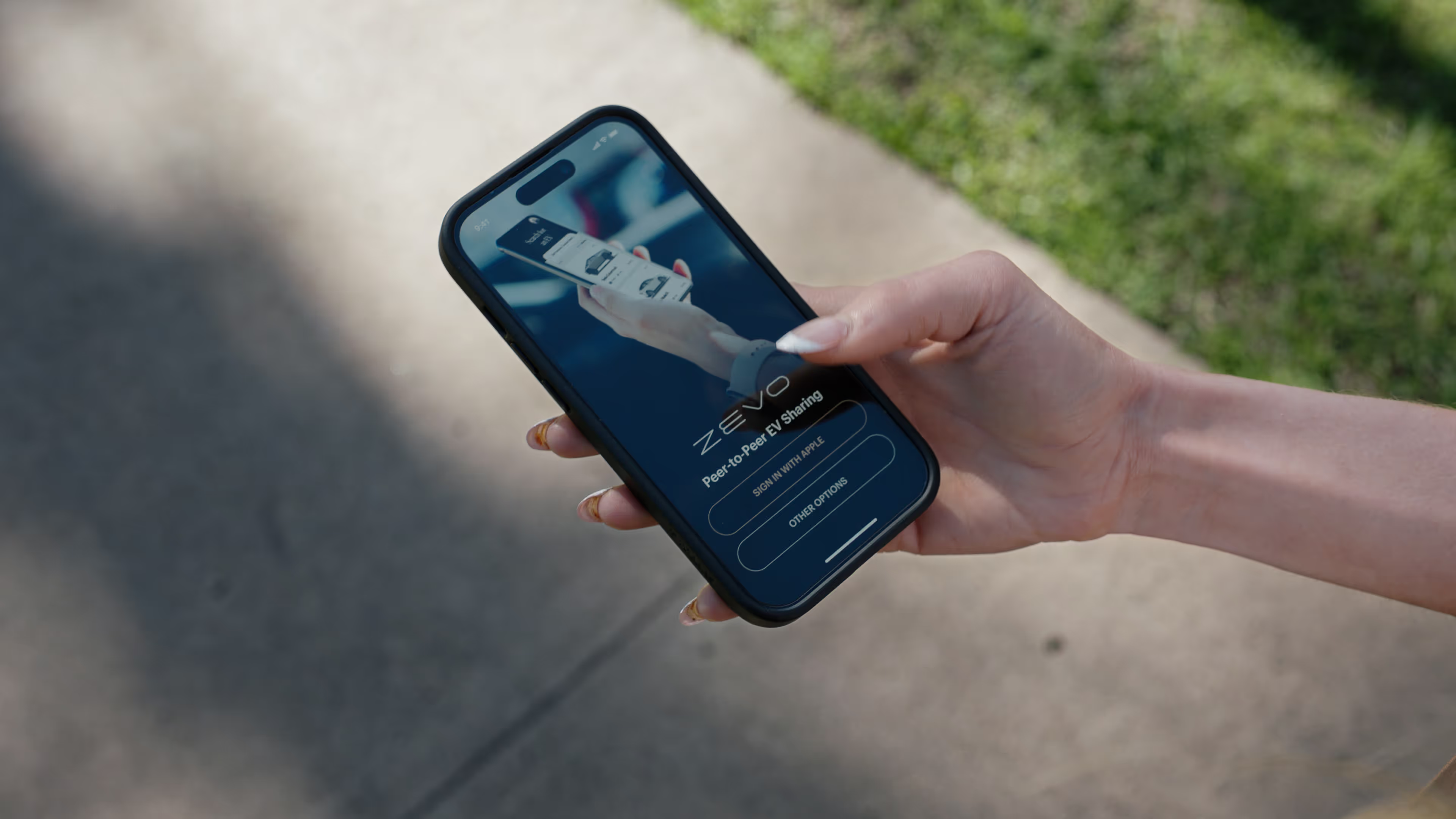
ZEVO connects EV owners with drivers who rent for rideshare or delivery work. Check the ZEVO app for vehicles, rates and booking plans in your market.
How long does the registration process take?
You’ll verify your identity with Persona, complete a driving-record check through Checkr, and verify your gig account through Argyle before starting a booking. Timing varies. If a check looks stuck, contact ZEVO Customer Care with the status shown in your account.
Who is eligible to rent on Zevo?
You must be at least 21, have a current, unexpired physical permanent U.S. driver’s license, and pass ZEVO’s identity, driving-record and gig verification checks. A learner’s permit or temporary license does not qualify.
How do I use or share a referral code on Zevo?
Enter the code in “Referred By” during registration. To refer someone, share the code in your ZEVO profile. A driver can earn up to $100 for referring a new driver who starts booking. Host and vehicle referrals have different rewards. Contact Customer Care if you missed the code at signup.
What regions is Zevo available in?
ZEVO serves Dallas, Austin, San Antonio, Houston, Phoenix, Los Angeles, San Diego, San Francisco, Miami, Tampa and Atlanta. Check the app for available vehicles in your market.
How do I sign up as a host on the car sharing platform for EV's?
To get started, visit our Host Onboarding FAQ at https://zevo.notion.site/ This guide covers all the steps to list your vehicle, eligibility requirements, and the benefits of becoming a host. If you have questions along the way, our support team is here to help.
Hosts
What vehicles are eligible for the platform?
We currently accept fully electric vehicles, starting with Tesla models. All vehicles must be clean, in good condition, and able to pass a basic inspection to ensure a smooth experience for drivers. ZEVO reserves the right to decline or remove any vehicle that does not meet our quality and safety standards.
How do I set the price for my EV rental?
As a host, you control the minimum weekly rate for your vehicle. Setting your price too low reduces your optimal revenue; setting it too high reduces booking frequency. Our team can provide guidance on finding a competitive rate for your market.
What is the process for charging my EV for renters?
Check the battery before pickup and tell the driver about any charging instructions specific to your vehicle. Drivers generally pay for Supercharging during their booking. Phoenix uses Charge Key. If your listing includes a charging benefit, make it clear in the listing.
How do I manage my EV's availability on the platform?
Use the host dashboard to manage your listing. Before the next pickup, check the vehicle’s condition and charge. After a return, complete the inspection, upload the required photos and tolls, and close the booking within 72 hours.
How does the platform handle vehicle maintenance and potential damages?
Keep your vehicle in safe operating condition and inspect it after each return. Document any damage with photos and report it promptly. The claim filing deadline is 72 hours from the incident. The assigned adjuster reviews coverage and repairs.
What if a renter doesn't return my EV on time?
Contact ZEVO Customer Care with the booking details if the return is overdue. Confirm the vehicle’s status and coordinate the next steps with Customer Care before arranging pickup or towing.
Electric Vehicles
Do I have to charge up the vehicle before I return it?
Return the vehicle with at least 50% battery, regardless of the charge at pickup. Exactly 50% meets the requirement. A return below 50% carries a $30 recharging fee. If you can’t safely reach a charger, contact Customer Care for help.
What is the best way to find where I can charge the EV?
If you're renting a Tesla, use Tesla's built-in navigation to find Superchargers and other charging options along your route. There are also many third party applications for other charging options
What percentages of battery should I charge the EV?
Plan a charging stop before the battery drops below 10%. ZEVO vehicles have a 90% charging cap. At the end of your booking, return the vehicle with at least 50% battery.
Reservations
How much does it cost?
Check the listing and checkout screen for the rate and mileage plan for your vehicle. Your final cost can also include charging, tolls, mileage overages or documented incidentals from your trip.
Is charging cost and insurance included?
You do not need your own auto insurance to book. ZEVO program coverage applies to eligible use and has limits and exclusions. Once you accept a rideshare trip, the rideshare platform’s coverage applies. For deliveries, the exclusion applies when the delivery platform provides physical damage coverage. Charging is generally billed separately. A verified host-specific charging fee replaces ZEVO’s standard 10% processing fee.
Can I choose the location where I pick up the car?
Use the pickup location and instructions in your confirmed booking. For a confirmed Hyundai Capital America booking, pickup is in person. Bring your driver’s license and the payment method you used to book, and arrive 10–15 minutes before your appointment.
Can I modify or cancel a reservation?
Contact Customer Care if you need to change a reservation. If you cancel more than 48 hours before pickup, you receive a full refund, including the deposit. In the 24–48 hour window, 50% of the base fare and the deposit are refunded. Within 24 hours of pickup or after pickup, the base fare is nonrefundable under the cancellation schedule, and the deposit is subject to inspection. If you’ve already started driving and want to end early, the early-return policy applies.
Can I take the car on a long trip?
For a short trip outside your vehicle’s metro area, notify both your host and ZEVO before leaving. Message Customer Care through the app or web chat so your notice is recorded. For extended travel, get approval from both before departure. If you plan to cross state lines, confirm permission for your booking before setting out.
How do I end my reservation and return the car?
Park at the return location shown in your booking with at least 50% battery. Remove your belongings and trash. Complete the end-of-trip steps in the app or web platform, take the requested interior, exterior and battery photos, and lock the car. If the app won’t complete the return, contact Customer Care and stay with the vehicle when safe.
What should I do if I have an accident or need roadside assistance?
Move to safety. If anyone is injured or in immediate danger, call 911. After a collision, contact the police and stop using the vehicle until ZEVO authorizes further use. Notify ZEVO promptly, ideally within 24 hours. When safe, use File a Claim on your booking page to send a description and at least three damage photos. The filing deadline is 72 hours from the incident. For a breakdown, contact Customer Care for roadside help before arranging repairs or a tow.