FAQ

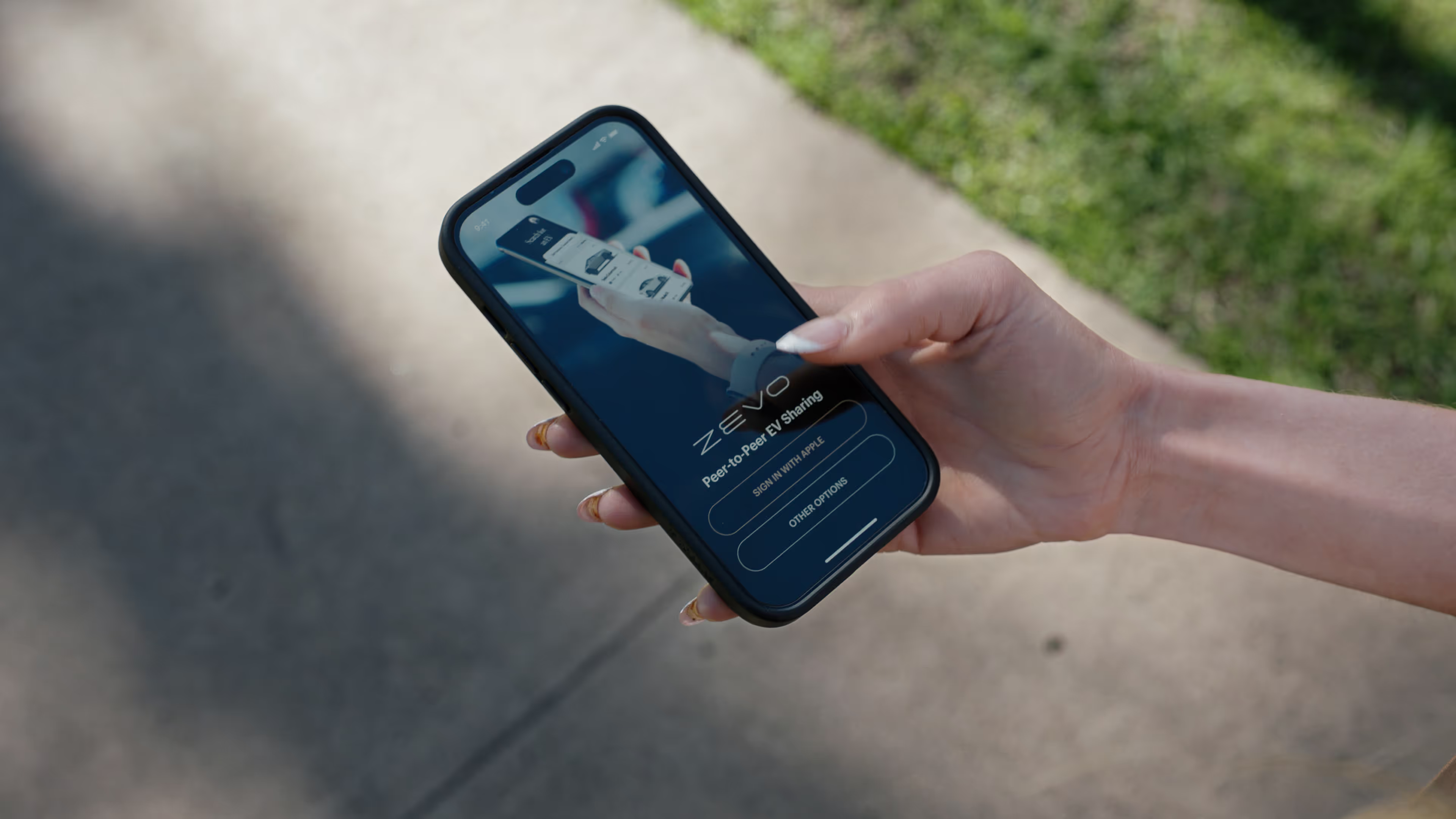
Hand holding smartphone displaying the Zevo app sign-in screen with options to sign in with Apple or other options.

ZEVO FAQ: Driver Guide - Host Guide

What is car sharing?
ZEVO is a peer-to-peer car sharing network where members can rent electric vehicles by the day or week with no ownership required. Vehicle owners can also host their EVs on the platform and earn passive income. We handle the logistics, so sharing is smooth for both drivers and hosts!
How long does the registration process take?
We run two third-party checks: one to verify your identity, and one to validate your driving record through Checkr. The process often takes minutes to a few hours, but the driving record check may take up to 2 days depending on your state.
Who is eligible to rent on Zevo?
You must be at least 21 years old and have no major driving violations — including alcohol or drug-related incidents
How do I use or share a referral code on Zevo?
If you're signing up, enter your referral code during registration. If you forgot, contact support before completing your first booking as it cannot be applied retroactively. If you're referring others, find and share your referral code from your profile. You'll earn a percentage of each referral's weekly rental, paid out weekly while their rental is active.
What regions is Zevo available in?
Zevo is currently available in Texas, California, Arizona, and Florida. We're expanding to additional major metropolitan areas across the US. Stay tuned for announcements!
How do I sign up as a host on the car sharing platform for EV's?
To get started, visit our Host Onboarding FAQ at https://zevo.notion.site/ This guide covers all the steps to list your vehicle, eligibility requirements, and the benefits of becoming a host. If you have questions along the way, our support team is here to help.

Hosts

What vehicles are eligible for the platform?
We currently accept fully electric vehicles, starting with Tesla models. All vehicles must be clean, in good condition, and able to pass a basic inspection to ensure a smooth experience for drivers. ZEVO reserves the right to decline or remove any vehicle that does not meet our quality and safety standards.
How do I set the price for my EV rental?
As a host, you control the minimum weekly rate for your vehicle. Setting your price too low reduces your optimal revenue; setting it too high reduces booking frequency. Our team can provide guidance on finding a competitive rate for your market.
What is the process for charging my EV for renters?
Make sure your EV is fully charged before each rental. You can provide a charging cable and public charging instructions, or offer access to your home charger if available. Supercharger costs incurred during a rental are billed directly to the driver, but the host must pay for them first.
How do I manage my EV's availability on the platform?
Before making your EV available, ensure it's fully charged, cleaned, parked in an accessible location, and ready to go. You'll receive text alerts for key events like bookings, checkouts, and late returns. After each rental, your listing is automatically paused. You must manually re-enable it after inspecting and preparing the vehicle. Always log an inspection on the vehicle page before reactivating.
How does the platform handle vehicle maintenance and potential damages?
As a host, you are responsible for regular maintenance and keeping your EV in good working condition as outlined in the Terms of Service. If your vehicle is damaged during a rental, the claims process will begin and ZEVO will work on your behalf to have your EV repaired, subject to policy terms. Inspect your vehicle and report any damages within 24 hours after the rental ends.
What if a renter doesn't return my EV on time?
If a driver does not return your vehicle on time, you'll be notified to pick up the vehicle. Once you've retrieved it, you can submit incidentals through the platform for ZEVO to review: covering return reimbursements, damages, or any other applicable costs.

Electric Vehicles

Do I have to charge up the vehicle before I return it?
Yes. Since ZEVO allows back-to-back rentals, you must return the vehicle at or above the charge level you received it at. Returning the vehicle below that level will result in a supercharger fee billed to your account based on the actual cost to recharge.
What is the best way to find where I can charge the EV?
If you're renting a Tesla, use Tesla's built-in navigation to find Superchargers and other charging options along your route. There are also many third party applications for other charging options
What percentages of battery should I charge the EV?
For daily driving, keep your battery between 20% and 90% to preserve long-term battery health. When your battery drops below 20%, plan a charging stop. Tesla's navigation can route you to the nearest Supercharger automatically.

Reservations

How much does it cost?
Pricing varies by vehicle, location, and rental duration. You can view exact pricing for any available vehicle on the ZEVO app or web platform before booking. No hidden fees, what you see at checkout is what you pay, with Supercharger fees billed separately if applicable.
Is charging cost and insurance included?
Insurance is included in the rental cost. Supercharger fees are billed separately based on actual usage during your trip. Please return your EV at the same charge level you received it to avoid additional fees.
Can I choose the location where I pick up the car?
Vehicles are parked at fixed locations set by the host. You'll see the pickup location before booking. ZEVO is a fully contactless platform — no in-person handoff is required.
Can I modify or cancel a reservation?
ou can modify or cancel a reservation at any time before the 72-hour window prior to your booking start time. Cancellations or modifications made inside that 72-hour window may be subject to a cancellation fee. Contact support if you need to make a change close to your start time.
Can I take the car on a long trip?
You must notify ZEVO and the host before leaving the city or crossing state lines, as required by our Terms of Service. Long trips may also affect your mileage allotment. Plan your charging stops in advance using Tesla Navigation before departing.
How do I end my reservation and return the car?
To end your reservation, return the car to its designated parking spot, ensure it's clean and undamaged, and lock it using the ZEVO app. The app will walk you through a vehicle condition check with photos before your trip officially closes.
What should I do if I have an accident or need roadside assistance?
If you're in an accident, exchange information with the other party, contact police if necessary, and report the incident to ZEVO through the app or by phone as soon as possible. Roadside assistance contact information is available in the app under your Active Trip screen.
